Changelog
New features, improvements and fixes.
What’s new in Bingfa, in plain language — what changed and why it matters for planning and publishing your campaigns.
- Improved
2026-07-27
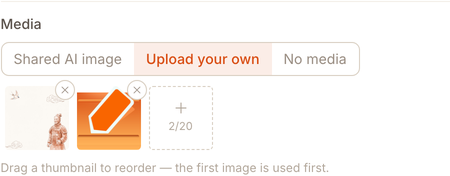
v0.5.0Drag your uploaded photos to reorder them
Uploaded more than one photo? Drag them into the order you want — the first one is what gets used in the post.
- Improved
2026-07-26
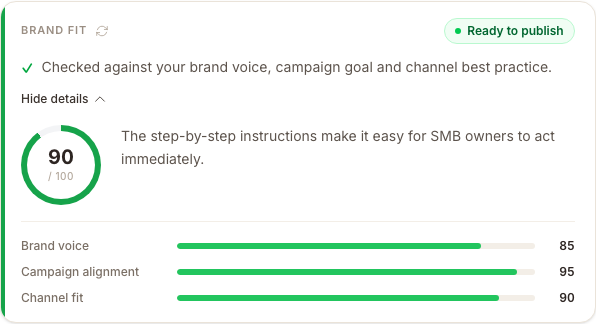
v0.2.0See what changed before you approve
Before you approve a draft, you can now see exactly what Bingfa adjusted to better match your brand — not just a plain score.
- —New accounts now get clearer next steps for adding their first business.
- —Fixed: LinkedIn document posts now correctly carry the title you set for them.
- Improved
2026-07-16
v0.1.7Founding discount now applies automatically
If you signed up through a founding-offer link, your discount now applies itself when you subscribe — no code to copy and paste.
- New
2026-07-14
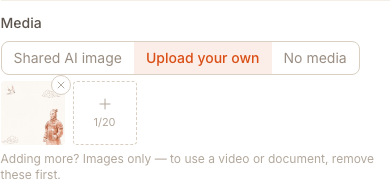
v0.1.6Upload your own images, video, and documents
Attach your own media to a post instead of relying only on AI-generated images — photos, video, and documents upload directly and securely.
- New
2026-07-10
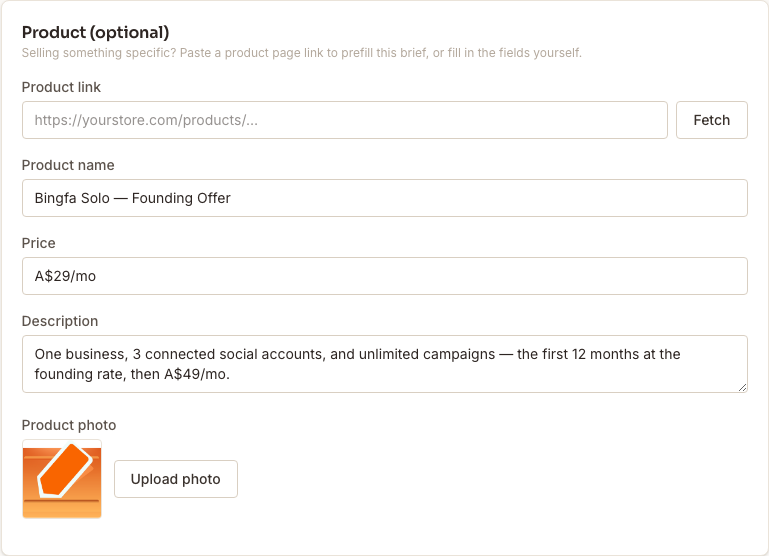
v0.1.5Turn a product link into a full campaign
Paste a product link or photo and Bingfa builds social, blog, and email content around that specific product — the real image, price, and description, not generic copy.
- New
2026-07-09
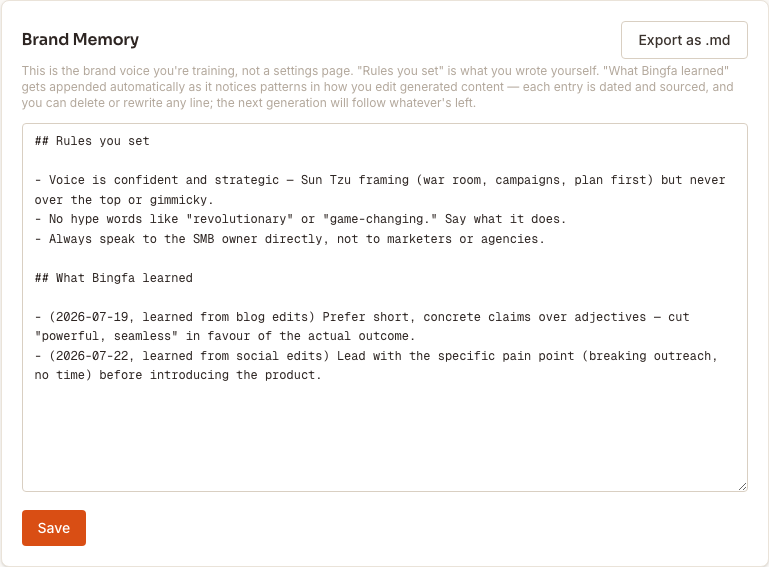
v0.1.4Brand Memory: your voice, editable any time
Your brand's voice rules are now a living document you can read and edit whenever you like, not a one-time setup step buried in onboarding.
Ready to plan your first campaign?
Start free